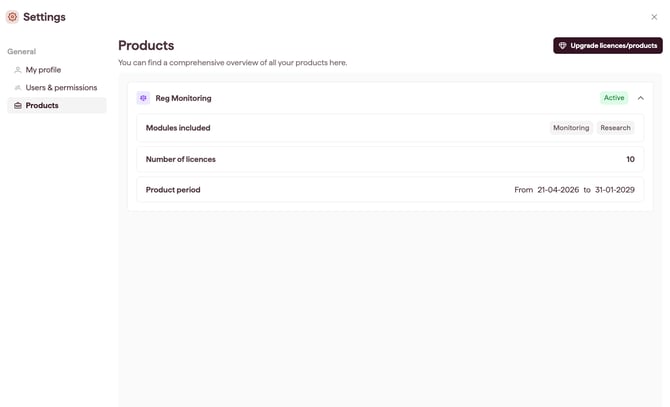
Products shows the products on your account, the modules each one includes, the number of licences, and the product period. Account Owners and Admins can view Products.
How to view your products
- Open Settings and select Products (see Open and navigate Settings).
- Expand a product card (for example, Suite) to see its details.
What each product card shows
- Modules included: the modules covered by that product.
- Number of licences: the total licences for that product.
- Product period: the date range the product is active for.
Note: 30 days before a product expires, a banner will appear to flag this. Additionally, an "End soon" tag will appear next to the Product. To review or renew your plan, contact your Datamaran team.