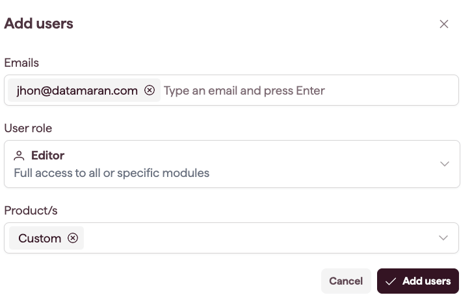
Edit a user to change their role, products, or module access. Account Owners and Admins can edit users.
How to edit a user
- Open Settings and select Users & Permissions (see Open and navigate Settings).
- Find the user's row and select Edit.
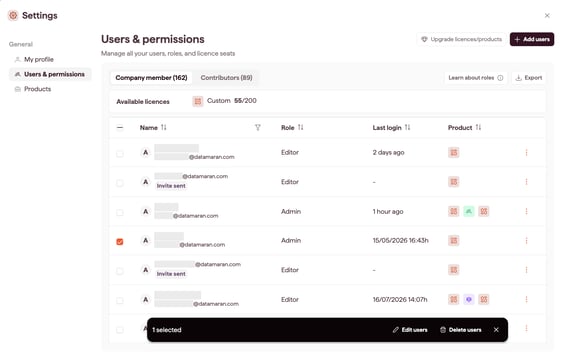
- Change the role, product/s, or module access.
- Save your changes. Changes take effect within about 30 seconds.
How licence changes affect access
- Downgrading a licence removes the modules that licence no longer covers.
- Removing a licence revokes access immediately.
- Newly added modules are not granted automatically. Assign them to the user.
Note: to change an existing user's email address, contact your Datamaran team.